
Order tags
Credited orders get short labels in Shopify, called tags, that say who brought the sale. Use them to filter orders, in exports and in Shopify Flow, which is Shopify’s tool for automations.
| The order’s credit | Its tags |
|---|---|
| A creator’s link from Instagram | thanks-to:sarah and thanks-to-source:instagram |
| A source with no creator, such as Google | thanks-to-source:google |
| A creator’s discount code, with no link | thanks-to:sarah and thanks-to-source:discount-code |
| Direct, with no creator | No tags |
Turn tags on or off
Section titled “Turn tags on or off”Tagging is on when you install ThanksTo.
-
Open Settings and go to the Order tags card.
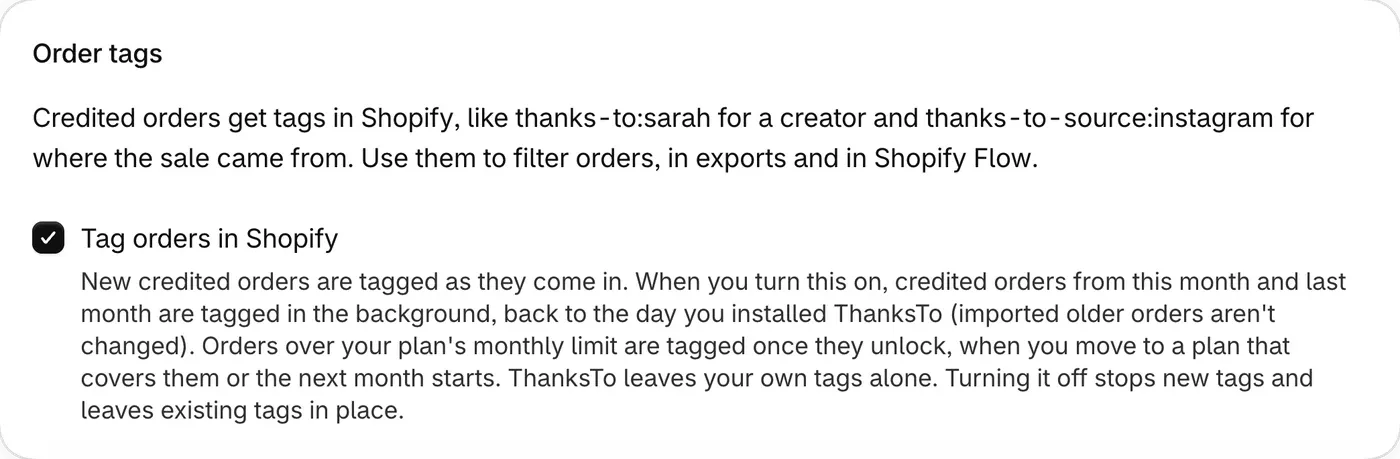
-
Tick or untick Tag orders in Shopify. The change saves right away.
Turning this off stops new tags and leaves existing tags in place.
Which orders get tags
Section titled “Which orders get tags”- New credited orders are tagged as they come in.
- When you turn this on, credited orders from this month and last month are tagged in the background, back to the day you installed ThanksTo.
- Orders over your plan’s monthly limit are tagged once they unlock.
- Unpaid orders aren’t tagged, because they don’t have credit yet.
If you move or unlink a discount code, ThanksTo removes the tags it added before and adds any new ones. It never removes tags you added.
An order placed before you installed ThanksTo isn’t tagged, and neither is an order with no credit. More help: Fix a problem.