
Cart helper
The cart helper saves who sent a shopper in their cart, so the order can keep its credit if ThanksTo misses the purchase, which can happen with express checkouts such as Shop Pay. Shoppers won’t see any change.
You can use ThanksTo without it. A missing visit doesn’t lose the order, but the cart helper can credit more of these orders to a creator.
Turn it on
Section titled “Turn it on”Shopify doesn’t let an app turn this on by itself, so the last step is yours.
-
Open Settings and click Turn on in theme editor in the Tracking card.
-
In Shopify’s theme editor, check that ThanksTo cart helper is on.
-
Click Save.
If the button can’t open the theme editor, go to Online Store › Themes › Customize › App embeds.
Check that it is on
Section titled “Check that it is on”Open Settings and read the Cart helper badge in the Tracking card.
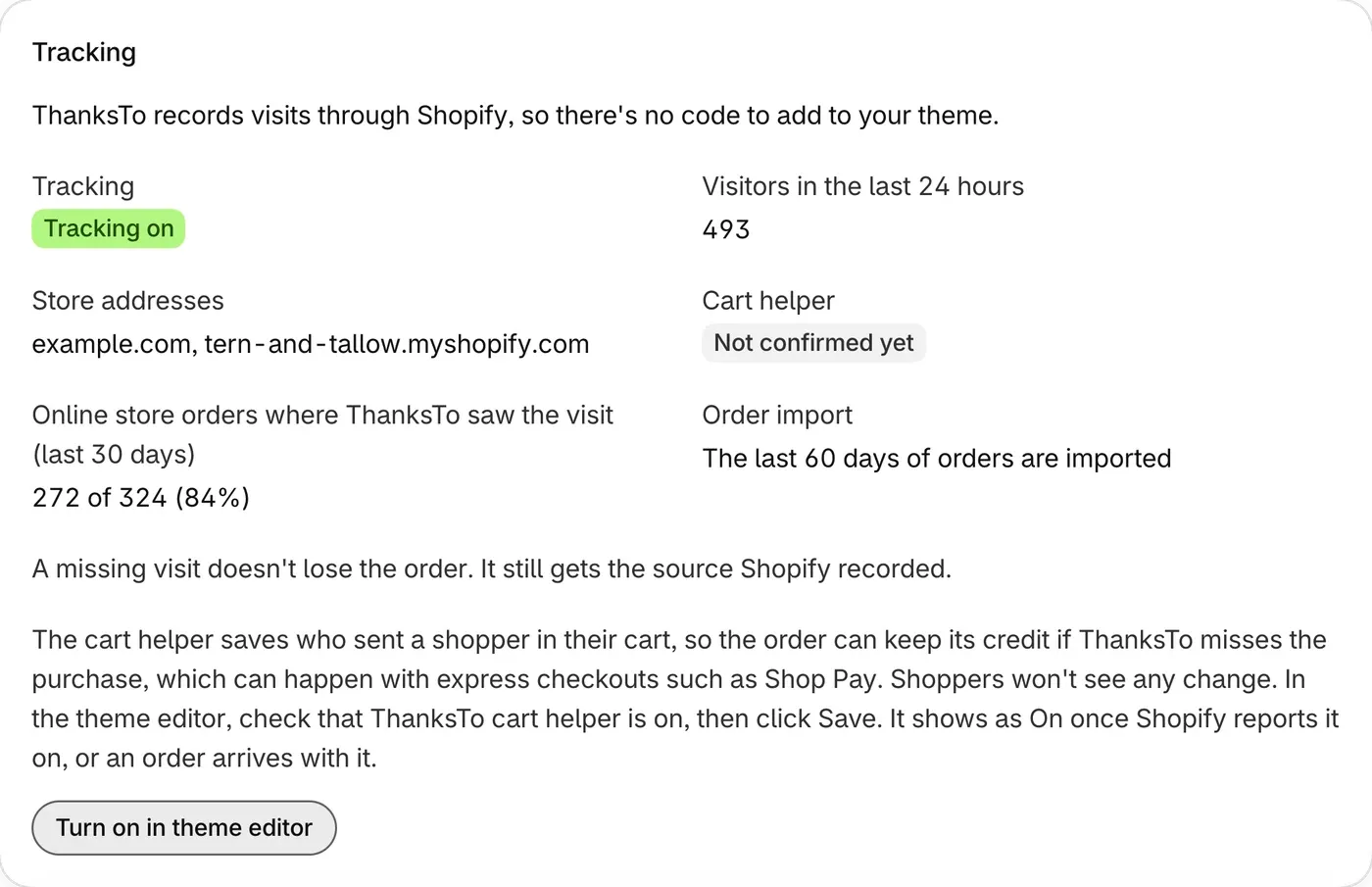
Not confirmed yet means Shopify can’t tell ThanksTo if it was saved, and no order has arrived with it yet. If you switch themes, check again in the theme editor that ThanksTo cart helper is on.
More help: Fix a problem. To see what the cart helper saves, read Your data and privacy.