
Home
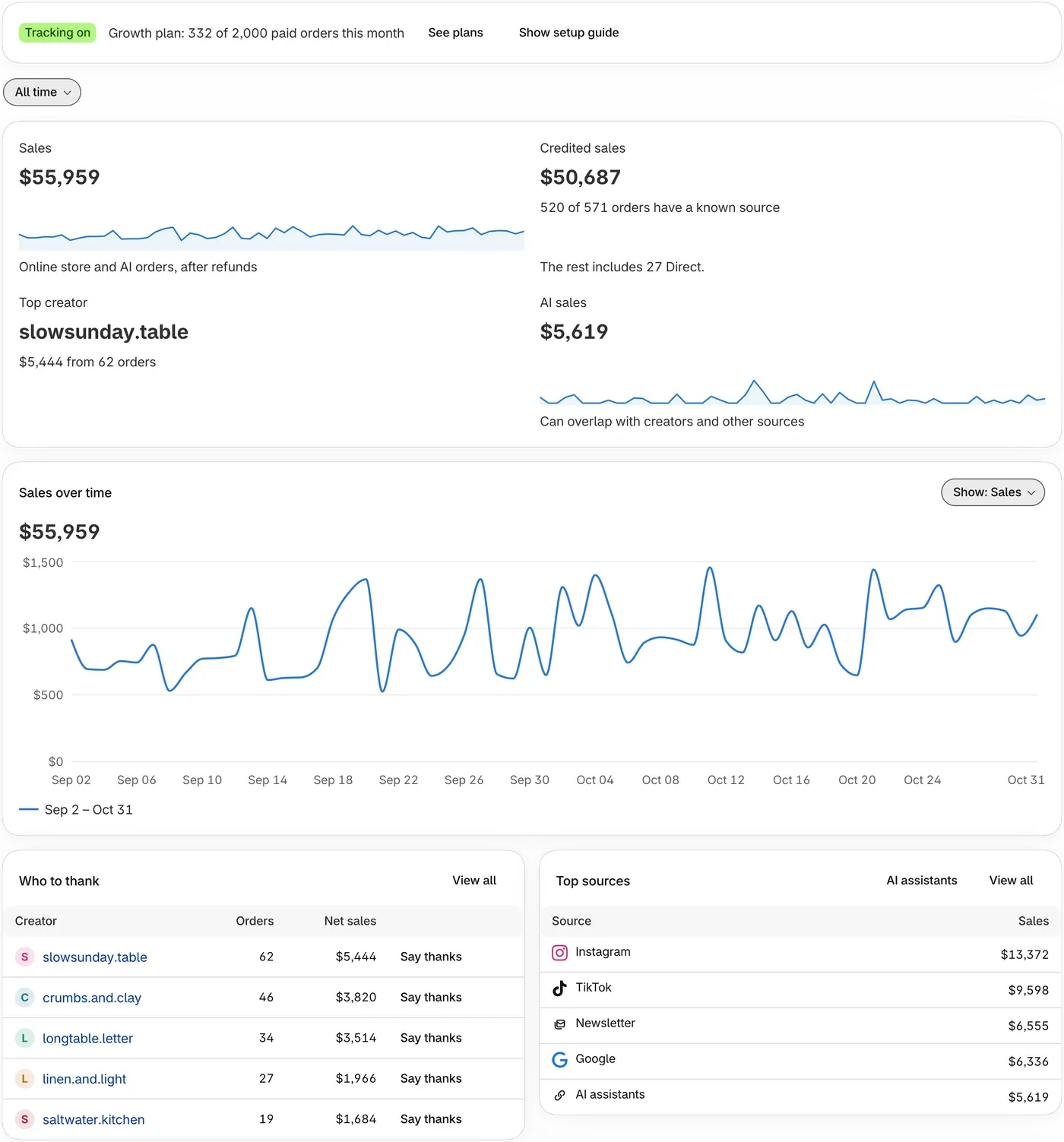
Home is a short summary of who to thank for your sales.
The setup guide
Section titled “The setup guide”When you are new to ThanksTo, Home opens with a guide called Get set up.
-
Click the arrow at the end of a step to open it.
-
Use the button inside the step, then move to the next one.
When setup is finished, or you close the guide, a status line takes its place. If its badge says Tracking off, click Fix tracking.
The tiles
Section titled “The tiles”The tiles, the chart and the lists follow the date range at the top.
- Sales is your sales in the period from online store and AI orders, after refunds.
- Credited sales is the part of Sales with someone to thank: a creator, or a source other than Direct. The rest is Direct sales, sales with no source, and any orders over your plan’s limit.
- AI sales is the sales AI assistants brought. It can overlap with creators and other sources, so don’t add it to the others.
The lists
Section titled “The lists”- Who to thank lists up to five creators who had an order in the period.
- Top sources lists the five sources with the most sales. Direct means ThanksTo saw no link. Not tracked means nothing recorded where the shopper came from.
- Latest thanks lists your five newest credited orders.
If something looks wrong
Section titled “If something looks wrong”- A card is empty. Try a longer date range.
- Sales doesn’t match Shopify. See Why numbers differ from other tools.
Fix a problem has more help.