
Say thanks and share results
Thank a creator with their results, and share a page where they can follow their numbers.
Write the message
Section titled “Write the message”-
Click Say thanks at the top of a creator’s page, or next to a creator in Who to thank on Home.
-
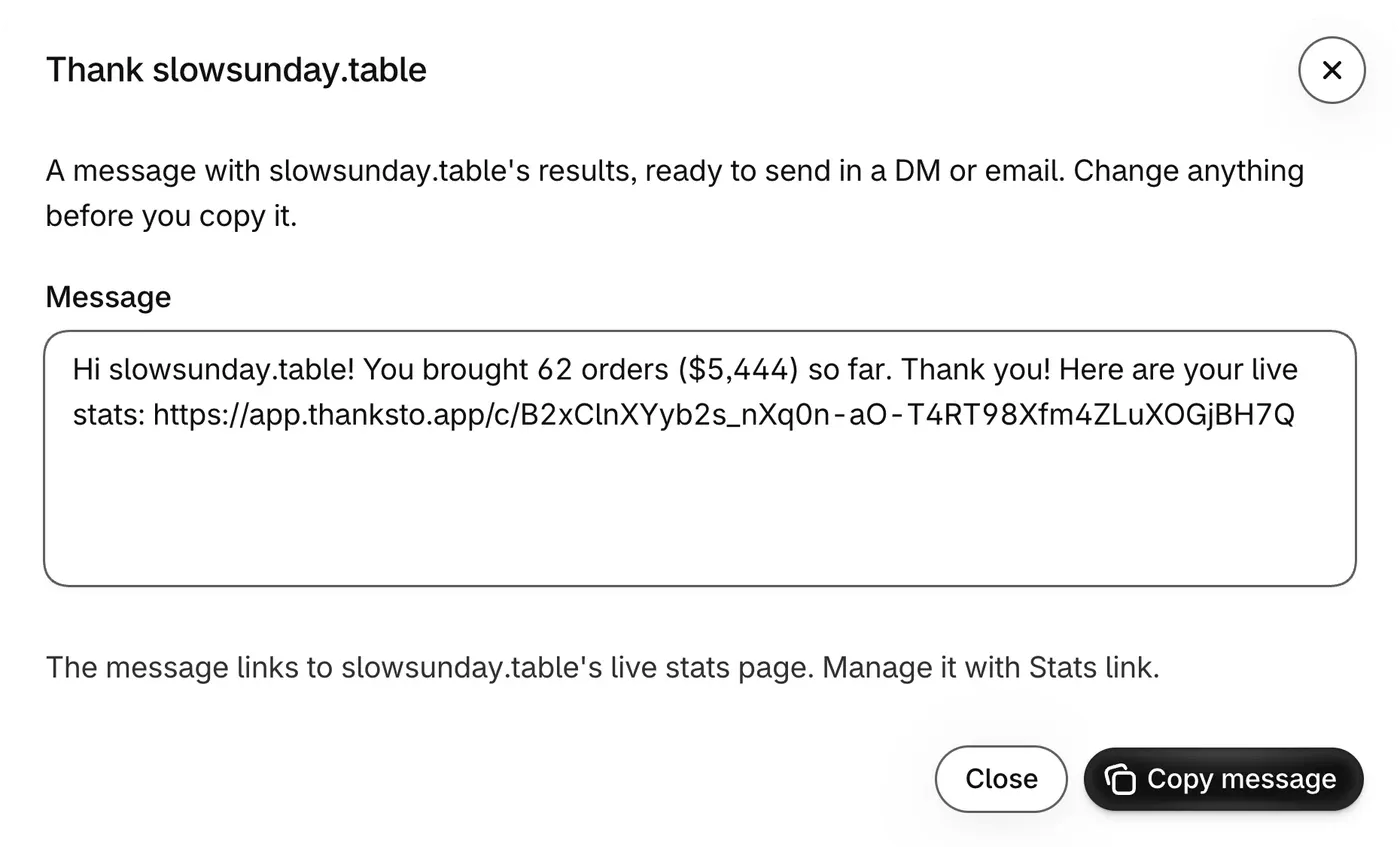
Read the text in Message. You can change any word.
-
If they have no stats link yet, click Create stats link under Add a live stats link?. Otherwise it’s already in the message.
-
Click Copy message.
-
Paste it in a direct message or an email. ThanksTo doesn’t send it for you.
The message uses the date range on the creator’s page, and reads like this:
Hi [name]! You brought [orders] orders ([net sales]) in the last 30 days. Thank you! Here are your live stats: [stats link]Share a results page
Section titled “Share a results page”The creator needs no account to open their stats page.
-
At the top of the creator’s page, click Stats link.
-
If there’s no link yet, click Create stats link.
-
Click Copy link and send it to the creator. To see the page yourself, click Open.
The page shows their Visits, Orders and Net sales for the Last 30 days or Last 90 days, their net sales by day, their link and their linked discount codes. It doesn’t show shoppers, other creators or your store’s totals.
Stop sharing
Section titled “Stop sharing”-
On the creator’s page, click Stats link.
-
Click Turn off link, then confirm in the banner.
To replace a link that reached the wrong person, click Make a new link and confirm in the banner. The old link stops working.