
Create links
New to links? Create your first link walks you through it. This page covers the rest of the Create link window.
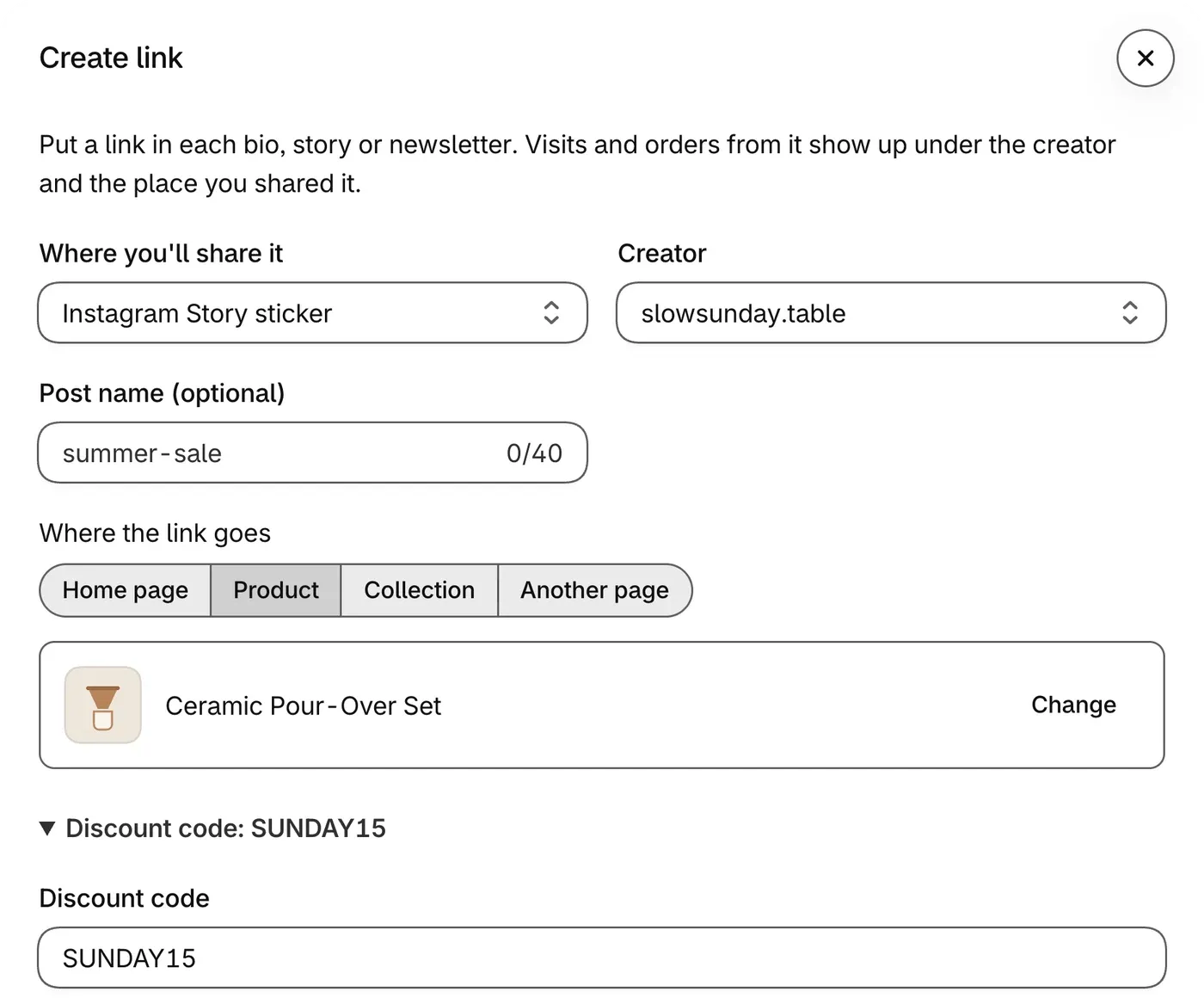
Optional parts
Section titled “Optional parts”- Post name (optional) tells apart links in the same place, such as two Instagram stories.
- Apply a discount code adds a code you already made in Shopify. Shoppers who open the link get it at checkout.
- Tracking details (optional) can stay as it is. Sharing somewhere else? Pick the closest place, add a Post name, then change
utm_sourceto the real place, such aspinterest.
Save link or Copy without saving
Section titled “Save link or Copy without saving”- Save link gives the link its own row on the creator’s page and links any discount code in it to them, unless it already credits another creator.
- Copy without saving saves nothing and needs no creator. Without one, visits and orders show under the place you picked. With one, orders through the link are credited to them, but it gets no row on their page.