
Customers
The Customers report shows who ordered, who came back, and where your repeat customers came from.
What the page shows
Section titled “What the page shows”A customer here is a shopper with a paid online order linked to a Shopify customer. Guest orders aren’t listed.
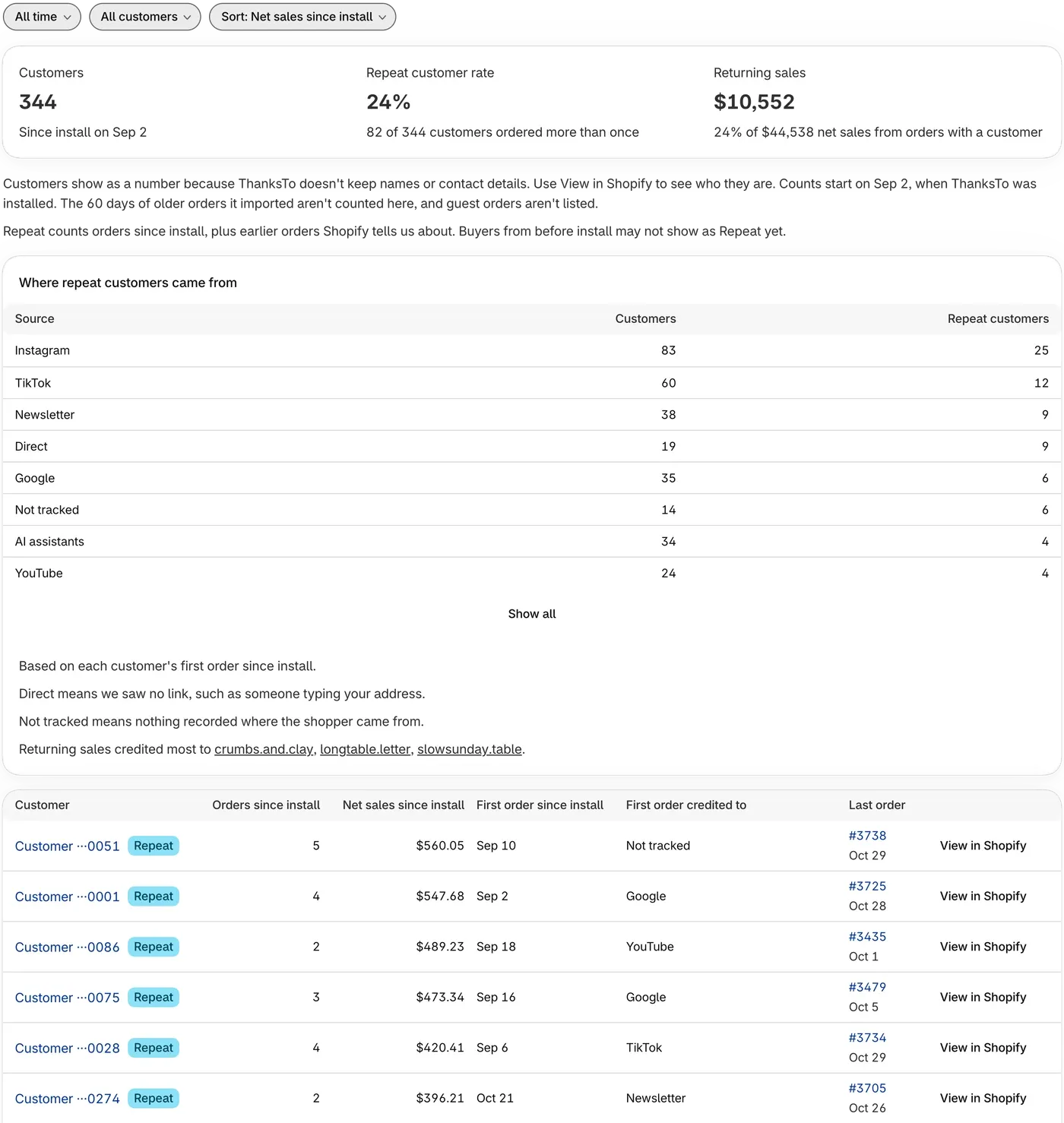
- Customers counts the customers who ordered in the dates you chose.
- Repeat customer rate is the share of those customers who ordered more than once.
- Returning sales is the net sales of orders from customers who had ordered before.
The numbers start on the day you installed ThanksTo. The 60 days of older orders ThanksTo imported aren’t counted here.
Find the customers you want
Section titled “Find the customers you want”-
Open Customers in the ThanksTo menu.
-
Choose your dates at the top of the page.
-
Use the All customers and Sort: buttons to choose what you see.
Looking for someone? Search their order number in Orders.
One customer’s page
Section titled “One customer’s page”-
Click a customer in the list to see their Summary card and Orders table.
-
Click View in Shopify at the top of the page to see who the customer is.
ThanksTo doesn’t keep shoppers’ names, emails, phone numbers or addresses, so customers show as a number. It keeps Shopify’s customer id, so it can tell when the same buyer comes back. See Your data and privacy.
If something looks wrong
Section titled “If something looks wrong”- A customer isn’t in the list. The customer needs a paid online order in your dates, placed after install and not as a guest.
- A returning buyer has no Repeat badge. Buyers from before install may not show as Repeat yet.
Fix a problem has more help.